Irma – Responsive Email + StampReady Builder Marketing
Themeforest Irma – Responsive Email + StampReady Builder Marketing


Features
- Hybrid Coding
- Responsive email template
- StampReady Drag & Drop editor
- Fully layered PSD
- Unlimited colors
- Documentation with video preview
- Litmus tested
- Support background images in outlook
- Full-time support
Included files
- Clean HTML file
- StampReady compatible file
- CampaignMonitor compatible file
- MailChimp compatible file
- Documentation
- 1 PSD Layered File
Compatibility
- Android
- AOL Mail
- Apple Mail
- Gmail
- Hotmail
- iPad
- iPhone
- Lotus Notes 8
- Lotus Notes 8.5
- Mozilla Thunderbird
- Opera Mail
- Outlook 2003 – 2016
- Yahoo Mail
Notes
- Gmail and Outlook ignore Google Fonts and display fall-back fonts
- Images and icons in preview are not included to downloaded files
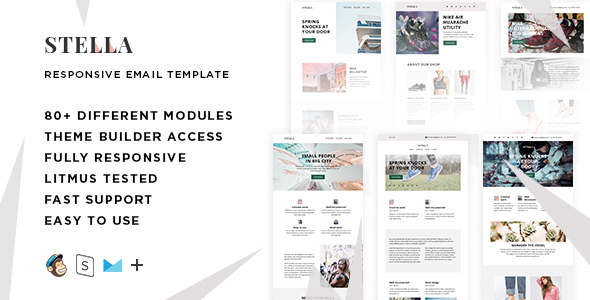
Stella – responsive email set with 80+ modules
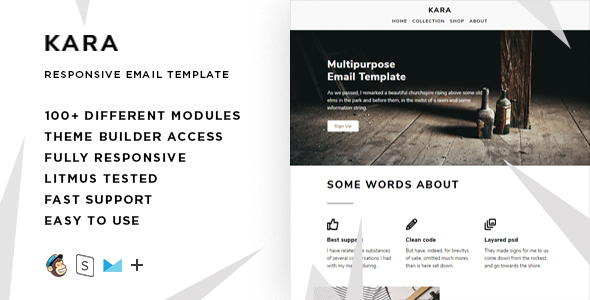
Kara – responsive email set with 100+ modules
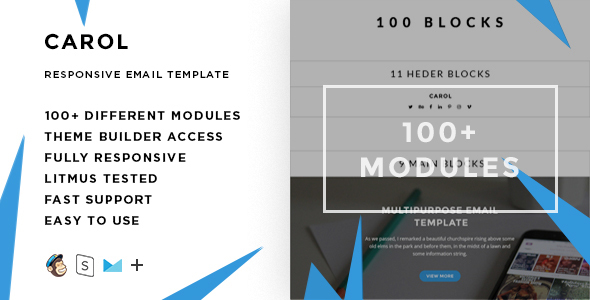
Carol – responsive email set with 100+ modules


Congratulations! Nice Work, Good Luck With Sale
ReplyDeleteCongratulations!
ReplyDeleteAmazing Work, Good Luck With Sale
Congratulations. .....GLWS!!
ReplyDeleteWonderful Job! Congratulations
ReplyDeleteAmazing Work, Good Luck With Sale
ReplyDeletegood job on this, nice work all the best for the sales !
ReplyDeleteNice work, keep it up. GLWS!
ReplyDeleteAwesome good job done
ReplyDeleteBeautiful, I like the concept ThemesCode
ReplyDeleteHow well does this integrate with mailchimp?
ReplyDeleteHello! In mailchimp you can edit text, colors, images, background colors, add and replace different sections.
ReplyDeleteHere is a video tutorial
https://www.youtube.com/watch?v=yjLcMjef5cI&t=30s
Also you can previosly edit template in stampready and then import it to mailchimp
https://www.youtube.com/watch?v=KEebh7da5ZA&t=1s
Amazing work, Good luck with sale !
ReplyDelete