Gourmet - Restaurant And Gastronomy Theme
Themeforest Gourmet - Restaurant And Gastronomy Theme WordPress Theme



V 1.0


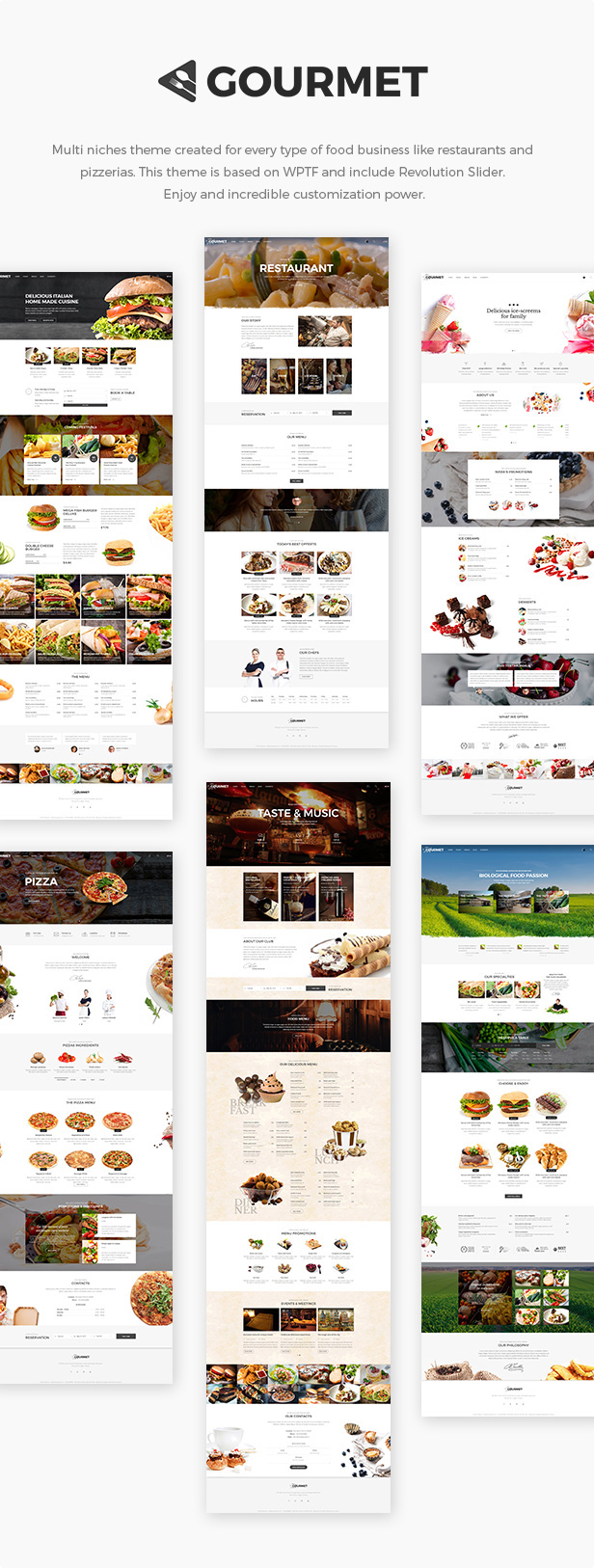
User friendly multipurpose gastronomy and restaurants WordPress theme, constantly updated and growing.
Built with WPTF, the most powerful and advanced framework for develop modern websites for WordPress.
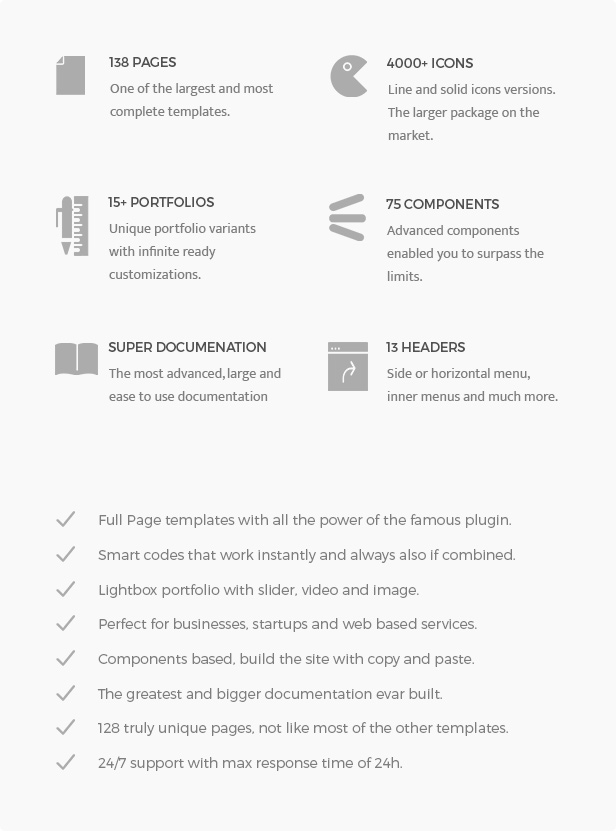
Enjoy the extreme customization power and a very big set of modern components, features and options.
You can use it for every food business like restaurant, wine shops, desserts, bistro, fast food, ecologic and green food, pubs, retro and old bars.
CHANGES LOG
V 1.0
Enjoy the theme.
Images and videos from demo site are not included.


Hello,
ReplyDeletehow can we add autoplay for a coverflow item please ?
Thank you!
Open file plugins/hybrid-composer/components/containers.php, find hc_include_hc_image_coverflow or hc_include_hc_coverflow and on row that contain data-options= add the option:
ReplyDeleteautoplay:true
ex. data-options=”autoplay:true”
Thank! I tried this :
ReplyDeletedata-options=”enableMousewheel:false,autoplay:true”
but the animation don’t start
Hi, this is the code doc: http://www.framework-y.com/containers/sliders.html#coverflow
ReplyDeleteUnfortunately these are customizations not included in free support, if you want I can do on your site for 10USD.
But also make sure to added the autoplay:true code to the correct coverflow due into the php file there are the image coverflow and also the generic converflow components.
Thank you
Hi there.. fantastic theme by the way.
ReplyDeleteQuick one; I see in one of the demos, you have the company logo as white and when you scroll down and the dropdown main navigation section changes white, you manage to swop out your white logo with a black one.
I want to accomplish the same since my white logo disappear when I scroll down.
Hope to hear from you soon
Regards,
wiehan
Hi, you must add also the secondary logo on theme options. Thank you
ReplyDeletethanks still not getting it as I want it. In your demo > pizza, you have the logo in white over the darker overlay background and when you scroll lower, the menu background revert to white and enables the darker logo… I want to accomplish just that and I am using the middle logo menu layout. Cheers man
ReplyDeleteHi there.. still awaiting your feedback on my last comment. Thanks
ReplyDeleteHi, sorry for later, please send wp accesses to support@pixor.it and I check
ReplyDeleteI have this problem with install theme: “Parse error: syntax error, unexpecterd’[’ in /wp-content/pugins/hybrid-composer/index.php on line 362
ReplyDeleteHi, the PHP version of your hosting is too old, try to set a newest PHP version on your hosting.
ReplyDeleteThe minimum PHP version must be: 5.6. Thank you!
Now it’s work great I install demo content just now
ReplyDeleteThis comment is currently being reviewed.
ReplyDeleteHi please send wp accesses to support@pixor.it and I will check
ReplyDeleteHi,
ReplyDeleteI downloaded the theme and uploaded it into my wordpress website.
However, there is no placeholder content included. I bought the theme thinking there would be photos already included that I could replace etc.
Where is the placeholder content?
Hello,
ReplyDeleteI just bought the wordpress the theme and it wont upload to wordpress. Please advise
You must upload the inside folder gourmet.zip only.
ReplyDeleteIt is still giving me a message that says ‘Are you sure you want to do this?
ReplyDeletePlease try again. ‘
So there is some problem with your hosting or wordpress installation, try with other themes, you should get same error
ReplyDeletew
ReplyDeleteWhen I try and import the demo content it never installs the content, only spins eternally. Any ideas?
ReplyDeleteNever gets beyond the: “We’re downloading the demo files” loader.
ReplyDeleteCleared cache a few times and uninstalled/reinstalled theme. Was able to get demo content to load. Now having issues editing pages and getting homepages to load—running into same eternal load.
ReplyDeleteJust granted you WP access (UN: homepagenotloading). Cannot load or edit home page content. Please assist.
ReplyDeleteHi, I need also FTP accesses, please send to support@pixor.it Thanks
ReplyDeleteJust granted. Sent to your email. Thanks.
ReplyDeleteThanks for the help. Upgraded to PHP 5.6 and it works great.
ReplyDeleteHey mate,
ReplyDeleteCool theme, but a few quirks:
I’m not seeing a way to easily change the colour of the background for the menu. Is it CSS specific, or is there something in the menu I’m missing?
When you select the middle logo menu, the logo doesn’t load on responsive viewports for the mobile.
Also, when the middle logo menu loads with transparency switched on, as you scroll down, it flickers to white.
Hi,
ReplyDeleteYes is CSS, use this:
header .navbar-main, .nav.inner {
background-color: red;
}
For middle logo mobile please replace the file style.css on same path with http://themes.framework-y.com/gourmet/wp-content/plugins/hybrid-composer/style.css
On scroll switch to white correctly, without white the menu not have a good visibility on scroll. I advice you to leave white but you can change is with CSS.
Thank you
Awesome. Will do. As a note, they seem like things that should be changed in the options or just fixed.
ReplyDeleteThe CSS colour could easily be an option in the theme options.
The mobile logo should appear in general (otherwise what’s the point of a responsive site without the logo in the menu!).
And the scroll switch just feels like a bug. I’m guess these will be included in an upcoming patch, so I’m just curious if it’s easier to spit out the code needed for the moment and stick it in as extra CSS in the options.
Cheers
Yes the logo was bug, will be fixed in next version
ReplyDeleteThe scroll switch is not a bug, it is the same of all other websites, make it transparent make unreadable your menu.
You can insert the CSS from Theme options > Customization or with the custom.css file.
Thank you!
Hey,
ReplyDeleteI was have question but now I got that, and edit my comment.
Thanks
In shop page this code is showing please check screenshot “http://prntscr.com/g9ngru”
ReplyDelete