Yellow Business - Construction Theme for Industrial Businesses
Themeforest Yellow Business - Construction Theme for Industrial Businesses WordPress Theme

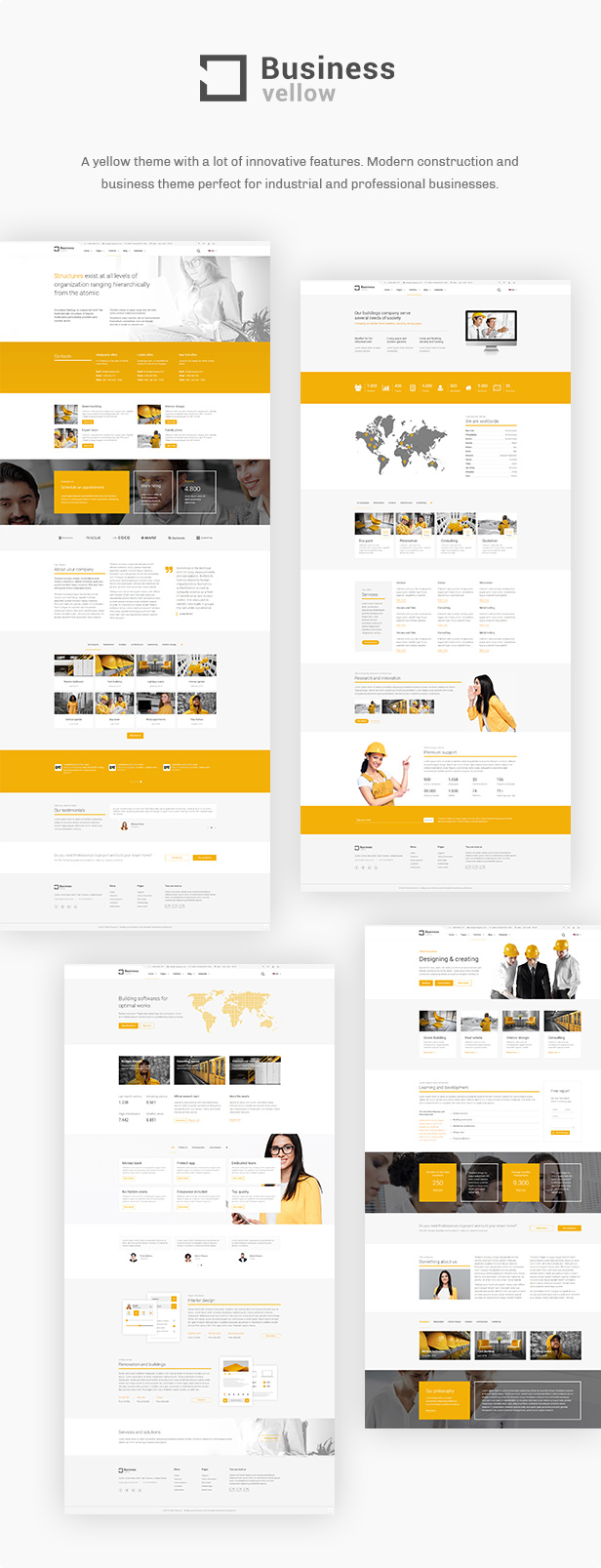
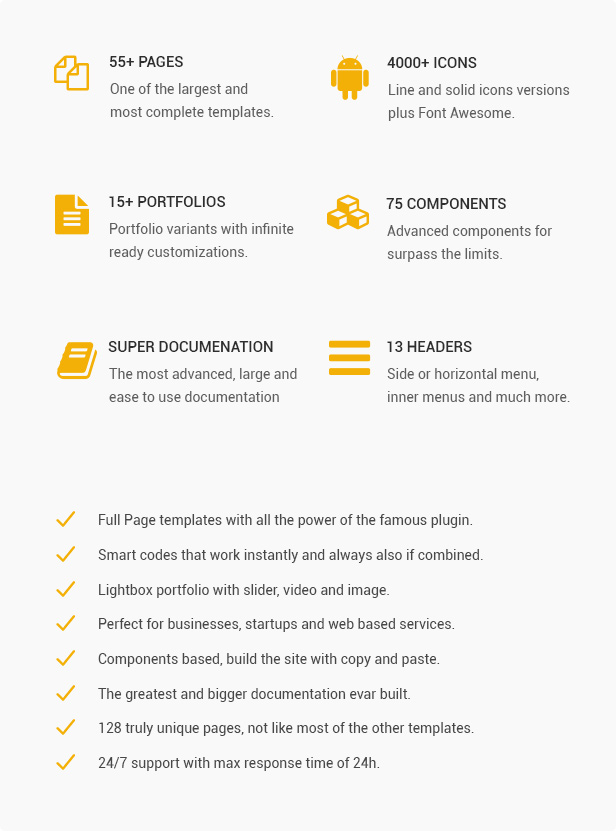
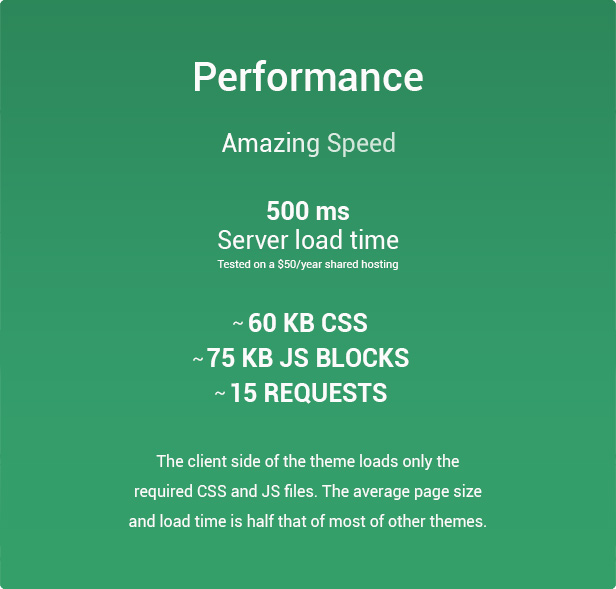



User friendly construction and business WordPress Theme, constantly updated and growing.
Built with WPTF, the most powerful and advanced framework for develop modern websites in WordPress, HTML and JQuery.
Enjoy the extreme customization power and a very big set of modern components, features and options.
You can use it for every business like company, construction, yellow, industrial, transports, logistic, fullpage, agencies.
CHANGES LOG
== V 1.0 ==
Enjoy the theme.
Images and videos from demo site are not included.


Hi,
ReplyDeleteI need help to add custom links to images in the Image slider.
For instance: at the bottom of the “Home interiors” example, it is an image slider with partner logos. How can I link the logos to their web pages?
Thank you
Kind Regards
Muhsin
I found the solution. Just needed to put imagebox inside a slider instead.
ReplyDeleteHi,
ReplyDeleteI really like your theme and I am interested in purchasing it, but I need to know before I do anything if your WordPress Theme is multilingual.
Thank you, have a nice day.
Hi, yes it’s fully multilingual but the best result require WPML plugin. Doc at http://wordpress.framework-y.com/documentation/translations/
ReplyDeleteHey there. Would it be possible to get the PSD files for this theme?
ReplyDeleteNo PSD files unfortunately
ReplyDeleteHi!
ReplyDeleteI bought the theme which is really impressive. Congratulations on this nice work!
I stumbled across one small thing: is it normal that every section gets the same ID? Or did I miss something in the documentation?
Cheers
Hi, this should not happen, the duplicated ids are into the demo pages or when you create new sections with the composer? Thank you!
ReplyDeleteThx for the reply.
ReplyDeleteNo, it happens in a “clean” installation. Every section gets the ID “section_5ZtkF” when using the composer.
Ok, I’m testing it from my version and this not happen. Please send to support@schiocco.io FTP and WP accesses and I check. Thank you!
ReplyDeleteThanks! Sent you the logins…
ReplyDeleteHello! Tell me, please, how can I make the appearance of my post – like this:
ReplyDeletehttp://templates.framework-y.com/yellowbusiness/pages/blog-single-3.html
How to add social networks icons to the post page?
How do I change the “Read more” text to my own?
Hi, if you have the demo data, you have this at http://themes.framework-y.com/yellowbusiness/blog-post-3/ (if not contact me and I send you this post)
ReplyDeleteThen save it a template on top right of edit page and load it for the new posts.
Social icons is this component SOCIAL SHARE BUTTON
Read more text can be setted for the single item if you’re using a static list or from the POST TYPE component, click the GEAR icon of the component and you will see the option.
Thank you!
I’m unable to download the demo file. Please advise? Thank you.
ReplyDeletePlease send this message to support@schiocco.io and I will help you . Thank you!
ReplyDeleteI have an issue with the custom code.
ReplyDeleteThe moment i add custom code anywhere using the hybrid composer, my whole page freezes on the loading. Not matter how long i wait it never loads and there isnt a single error in the console.
Hi, where do you add this code? It’s not seem a theme related problem.
ReplyDeleteI add it this way. Section >Col-md-12>custom code block. The page freezes. Because of that issue i cannot add shortcode as well.
ReplyDeleteHi, please send wp accesses to support@schiocco.io and I will check. Thank you
ReplyDeleteI sent you the e-mail with the access.
ReplyDeleteHi there,
ReplyDeleteI want to build a homepage with slider revolution with full width at the top, and follow with the blog-grid page with side bar on the right. So I tried to use Template “Slider Revolution Blank Template” to build the page I based on the name I think this one should be the right template to use, but after set the template, the page only shows code. So I want to ask if there is something wrong with the template or if there another way to build the hompage I want. Thanks!
Regards
we are trying to make a home page which look a combination of Home ->Home main (top part) and Blog -> Grid (below part) . basically we are trying to have slider for main articles (lets say 3 articles) and grid will show like 6 articles below the slider along with side bar (shows archive, comments, categories, ) . let us know how to achieve this
ReplyDeleteHi, you can not use custom templates. Use the standard template and insert the slider shortcode into a dedicated section with FULL WIDTH mode and these classes selected: NO MARGINS, NO PADDINGS. The slider must be full width also.
ReplyDeleteHi! I have 2 issues.
ReplyDelete1. I cant switch composer/classic mode. Im clicking on switcher it blinks a moment and thats all.
2. After i duplicate page with special plugin composer switched to classic mode and then form with page editor is disapear. Disabling and reinstalling plugins not worked. But pages that was made without composer work well.
Hi, please send wp accesses to support@schiocco.io and I will check. Thank you
ReplyDelete